

Digital printing involves the process of printing on diverse mediums like fabric, paper, plastic, acrylic, and more. The results are consistently professional. This method utilizes large-format inkjet printers.
While digital printing can be pricier than traditional methods, it eliminates the need for printing plates, reducing overall expenses. Moreover, it offers the flexibility of short-run or on-demand printing.
Each print can feature different images, enhancing customization. Given its capabilities and labor-saving benefits, digital printing has become a viable alternative to offset printing, even for large-volume jobs at competitive prices.
In digital printing, laser and inkjet printers are commonly employed to transfer toners or pigments onto various surfaces, including glass, paper, metal, canvas, marble, fabric, and plastic.
Unlike traditional methods where ink might spread on the substrate, digital printing ensures the ink forms a precise layer on the surface. To ensure the ink adheres securely, processes like UV curing and heating with fuser fluid are employed.
Once familiar with the basics of digital printing, it’s essential to understand the steps involved. The initial step is design preparation. Whether you craft the design yourself or delegate to a printing company, certain considerations come into play for effective design creation.
Find An Idea
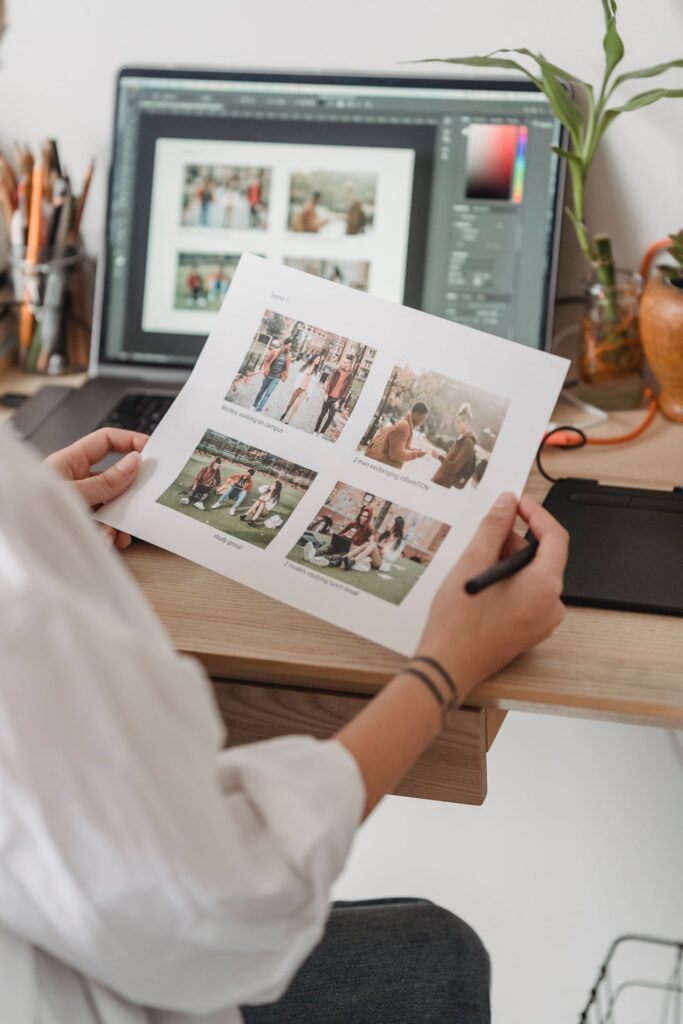
You need to determine your design’s objectives. Who is your target audience? Additionally, clarify your purpose.
Use Proper Content
Once you have a main idea, you can begin creating the artwork. Your content might include text, pictures, and logos. For a unique branding message that resonates with your audience, incorporate text, visuals, and colors that reflect your company and brand. Ensure you store some basic content for easy future access.
Make it Professional!
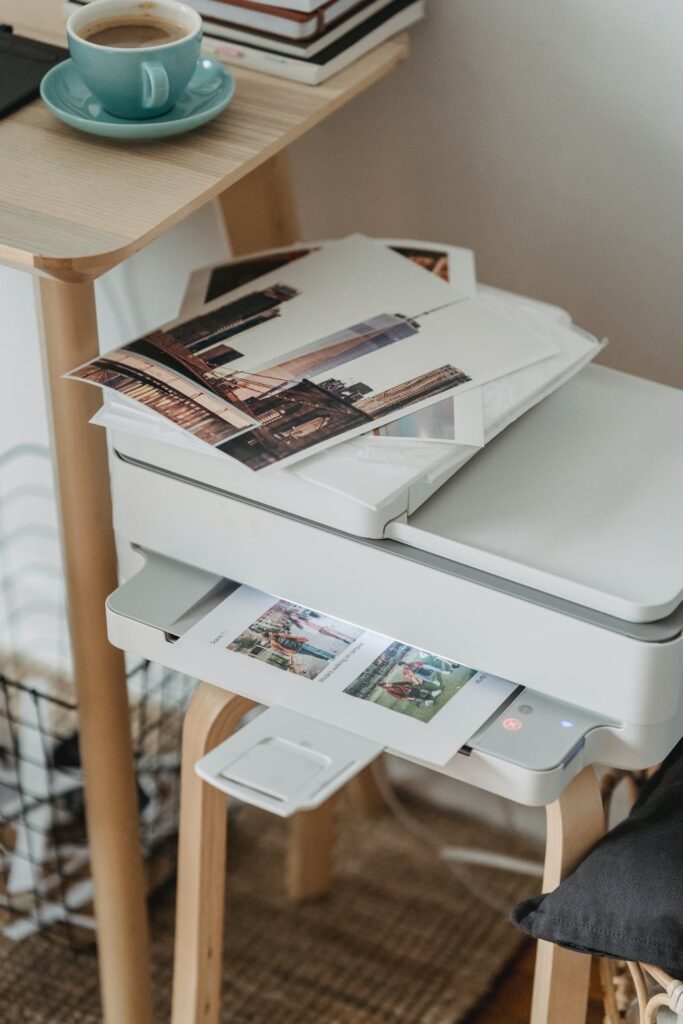
Remember, you’re showcasing your company’s image. Aim for professionalism to uphold your reputation. If you’re on a tight budget and can’t hire an in-house designer, consider outsourcing the design work. While it might be a significant investment, the design becomes your property, ready for reuse whenever needed. A professional design enhances your reputation and fosters trust, whether it’s on your logo, advertisements, or promotional items.
Check Your Content
Regardless of your content’s purpose, always proofread. Review your content multiple times to ensure accuracy in addresses, spelling, dates, grammar, and more. Once you’re confident it’s error-free, proceed with finalizing the print work.
Prepare Your Work

The design must be saved in the proper print-ready format. Check also if it saved in 300dpi and in CMYK format. This can ensure that the quality is well-preserved and ready for digital printing. If it’s not saved in 300 dpi, then you will have a low-resolution image since the pixels will be damaged.
As a result, the final image will be greatly affected. Afterward, you can bring your design to the printing company. If you will not do the design yourself, then your first step should be to choose a printing company that can help you with the design.
Choose A Digital Printing Company
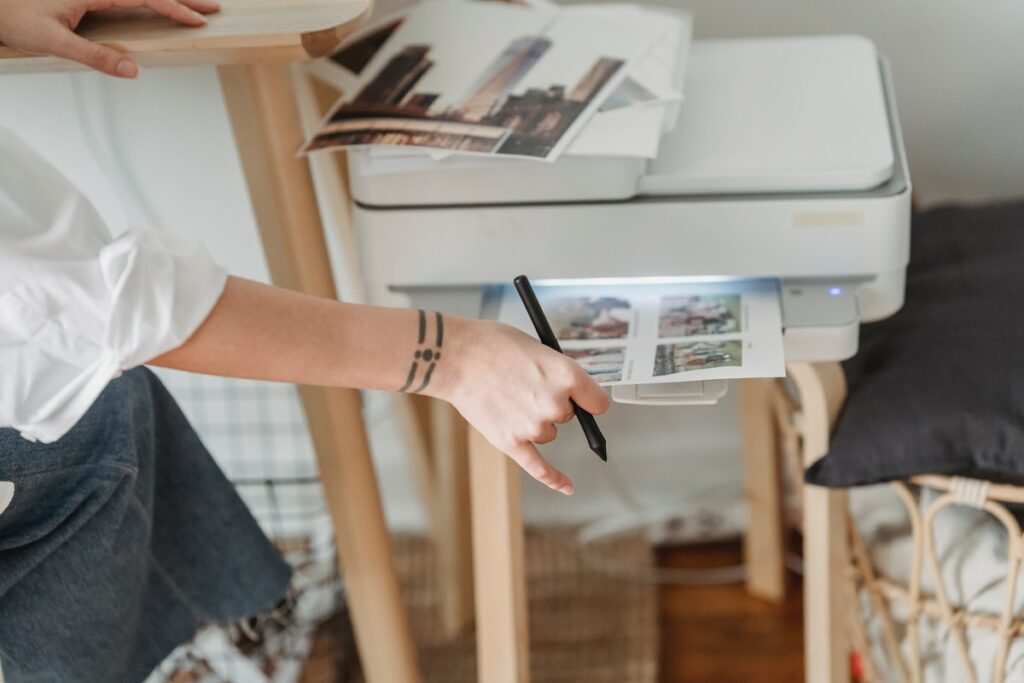
When selecting a digital printing company, ensure they are open to creating a custom design tailored to your specifications. Consider arranging a meeting to discuss all details and requirements.
Once the design is ready, the company will provide you with a mockup via email. If revisions are necessary, they will make the adjustments and resend the design for approval. Once you give the green light, you can proceed to the next phase.
Save The Design
Upon final approval, the design will be saved in the appropriate format and resolution, streamlining the printing process and minimizing errors.
Clean The Print Heads
Utilize a specialized fluid to clean the print heads, ensuring they remain undamaged and free from dryness. Ideally, this cleaning should occur after every 100 prints. However, depending on the ink usage, it may be necessary to clean them even before reaching that count.
Perform Regular Checks

This phase involves various inspections. After each printing session, the printer generates waste ink collected in a drum. Regularly monitor and empty this drum to avoid ink spills.
Every printing machine contains a cleaner container, which, when running low, should be refilled promptly. This cleaner is crucial for the digital printing process, so vigilant monitoring is essential to prevent printer downtime.
Remember, every time the printer stops and starts, it consumes a specific amount of cleaner. Insufficient cleaner levels can damage the print heads. Additionally, monitor the ink temperature, ensuring it remains between 20 and 25 degrees Celsius. If the printer’s temperature deviates from this range, it can harm the print heads.
Printing Will Start
Once all the checks have been completed successfully, the printing process will start.
Keep The Product Secure
To ensure that the product is kept secure, various sizes of pallets will be used. Depending on the material where the design will be printed on, the proper size of pallets will be attached to the printing machine to secure the product. Once done, it’s now ready for printing.
Lay Down the Material

Be sure to lay the material or product flat on the board and ensure that there are no creases to prevent the print from being distorted.
Actual Printing Will Start
The actual printing will start, and the print heads of the digital printer will move from side to side spreading the design on the material.
Remove The Material
Once the printing is completed, you can now remove the material from the pallet. Be sure to do it with care. It will then be placed in a big dryer at the right temperature, to guarantee that the design is adhered securely to the material.
Check Quality
Finally, when everything is done, it’s time for you to check its quality. If you are satisfied with the quality, then you can pack and dispatch the items to the customer.
Nowadays, digital printing is becoming more and more popular due to its clarity. It is even predicted that there will be a high demand for digital printing in the days to come. Digital printing offers faster output as well as more variety, aside from reduced overall cost. Additionally, there is a wide variety of digital printing equipment that is available.
If you are looking for a reliable digital printing company, then you can contact Personal Touch Printing on 661-809-4807 or send us an email at personaltp.williams@gmail.com.
Recent Comments