

Design is everything when it comes to custom printing. A beautiful idea can fail if it isn’t formatted properly for print, while a simple concept can shine if the design elements are well considered. The details, such as the font choice, paper finish, and image alignment, make a big difference in how your project turns out.
From wedding programs to event banners to business cards, the design you choose plays a big role in how your prints are remembered. Below are a few friendly tips to help you create print designs that not only look great but also translate well from screen to paper.
Choosing the Right Fonts
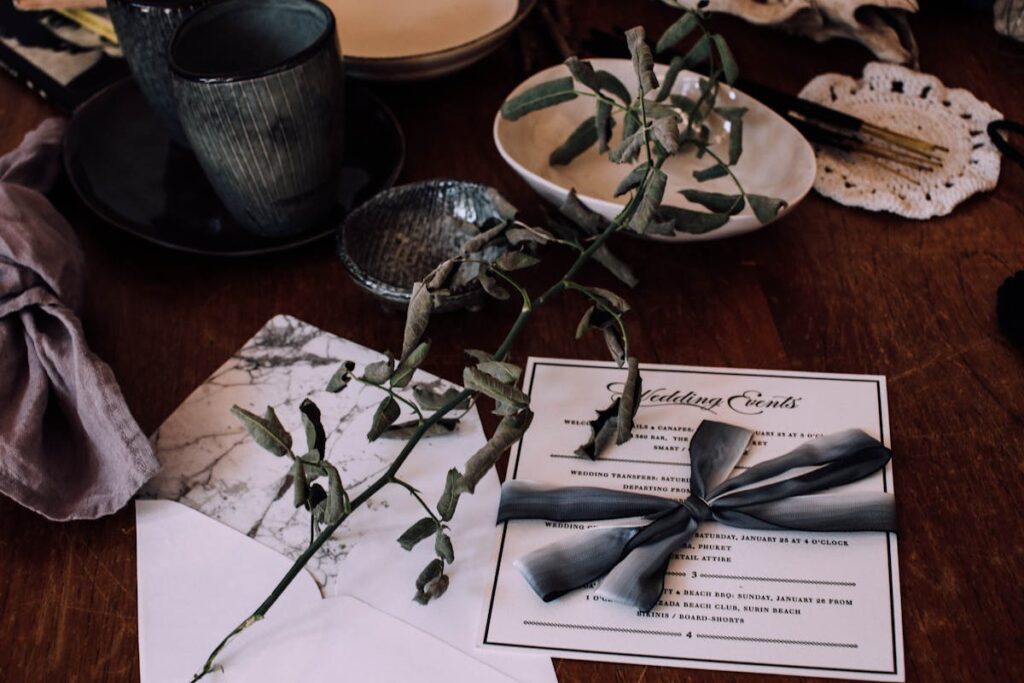
Fonts speak a lot about personality. The style you choose sets the tone before someone even reads the words. For formal events, classic serif fonts often work well because they add a touch of elegance and tradition. For casual gatherings, modern sans-serif fonts can give a clean, approachable look. The goal is to blend style and readability.
Although it can be tempting to try out different fonts, you should only use them sparingly. They can be difficult to read when printed in smaller sizes. For body text, always opt for clear and simple fonts that make your message easy to follow. Your font choices should reflect the tone of the event or purpose while ensuring that no one has to struggle to understand the content.
Aligning Text and Photos
Layout can make or break a design. Alignment gives your project structure and polish. When text and images are neatly aligned, the design looks intentional and professional. Uneven placement, on the other hand, can feel distracting and make your piece look unfinished.
When incorporating photos, think about their relationship to the text. Do they complement each other, or do they feel disconnected? A well-placed image can highlight your words and guide the eye naturally across the page. Margins are another important detail. Leaving enough space around edges prevents your text from looking crowded and ensures nothing gets cut off in the printing process.
Keeping Readability in Mind
It’s easy to get carried away with colors, patterns, and beautiful features, but readability should always come first. Contrast between text and background is crucial. Light-colored text on a white background, for example, can look sharp on a computer screen but disappear in print. Likewise, dark fonts on dark paper can be hard to read unless you make adjustments.
Size matters too. While large headers draw attention, body text should remain comfortable to read. If you’re creating programs or handouts, consider the audience. Older readers may appreciate slightly larger type, while younger audiences may have no trouble with smaller print. Designing for readability ensures your materials are not only attractive but also functional.
Selecting the Best Paper Finish
Paper is often overlooked, but it’s one of the most important choices you’ll make. The right finish can elevate your design, while the wrong one can take away from it. Glossy finishes are excellent for vibrant images and photography because they make colors pop. Matte finishes, on the other hand, are better for text-heavy designs where readability is the priority.
Texture also plays a role. A smooth cardstock can feel modern and sleek, while a textured option might give your piece a handcrafted or traditional feel. The thickness of the paper also affects durability. Business cards, for example, benefit from thicker stock that feels substantial in the hand, while event programs may not need the same weight. The paper you choose should be suitable for the job and complement the overall design.
Balancing Colors with Purpose
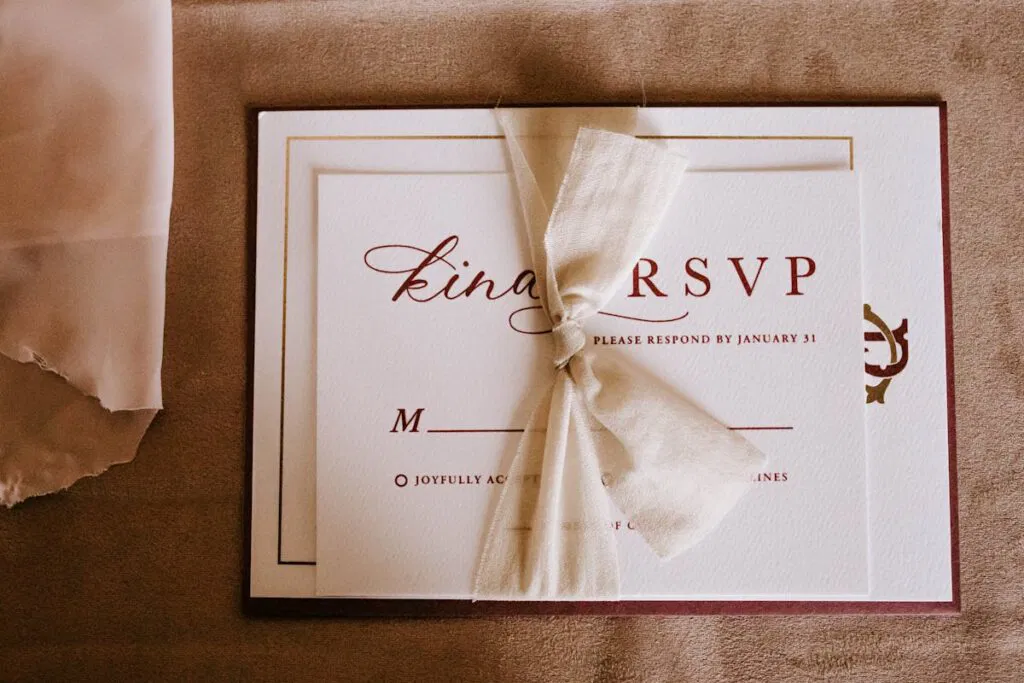
Colors set the mood and create visual impact, but they must be used thoughtfully. Bright, bold colors can bring energy and excitement, but too many competing shades may overwhelm the design. Neutral tones provide balance and can keep a design from feeling too busy.
Consider the narrative you want your products to convey. A wedding invitation might call for soft, romantic colors, while a fundraiser flyer might use bold tones to draw attention. Consistency is important as well. Maintain a consistent color palette to make your design feel coherent and professional. Always keep in mind how colors appear in print, which can be slightly different than what you see on a screen.
Paying Attention to Image Quality
Images bring life to print projects, but only if they’re high quality. A photo that looks sharp on a phone screen can become blurry when enlarged for printing. Always use images with high resolution, especially if they’ll appear on larger pieces like posters or banners.
Cropping and framing also matter. Make sure important details aren’t cut off at the edges and that the subject of the photo is clear. If you’re using multiple images, consider how they work together visually. Cohesion in style and tone makes your overall design more visually appealing.
Designing for Flow
Good design guides the eye. When someone looks at your printed piece, their attention should naturally move from one element to the next without confusion. Flow is created through hierarchy, spacing, and emphasis.
Headings should be easy to identify, followed by body text that explains the details. Images can be used to break up sections or add emphasis, but they shouldn’t interrupt the readability of the text. Think about how someone will interact with your piece in real life. Do they pick it up and instantly know where to look first? A well-designed layout ensures the answer is yes.
Proofing Before Printing
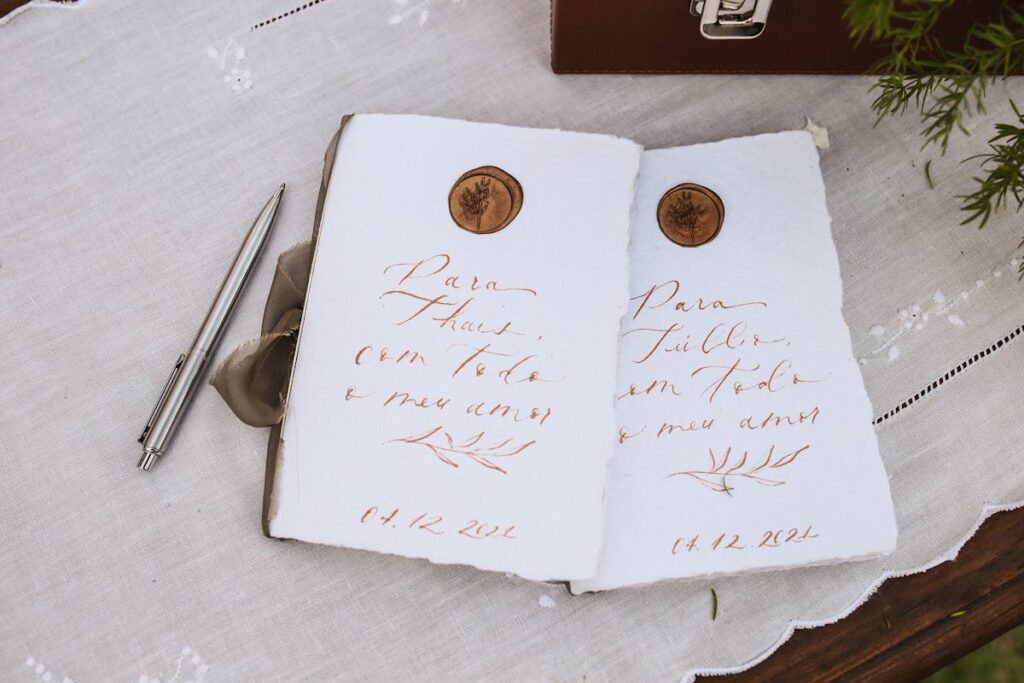
Even the best design can fall short if small errors slip through. Always take the time to proofread your work before sending it to print. Double-check spelling, grammar, and alignment. Review the design at full size, not just on a computer screen, to make sure everything looks as intended.
If possible, print a sample on your home printer before moving forward with professional printing. Even if the colors aren’t exact, you’ll get a good sense of spacing, font size, and overall layout. Catching mistakes early saves time and resources and ensures you get the best final product.
Final Thoughts
Designing for print doesn’t have to be complicated, but it does require attention to detail. Fonts, alignment, readability, paper, colors, images, and flow all work together to create a polished result. When each element is considered carefully, your printed materials not only look professional but also serve their purpose effectively.
If you’re ever unsure about how your design will translate to print, working with a professional team can give you peace of mind. At Personal Touch Printing, we specialize in bringing your vision to life with precision and care, making sure the final product is something you’ll be proud to share. Start your next project with us today by getting in touch at 661-809-4807.
Recent Comments